
Commercial
How Much Does Accounting Automation Cost?
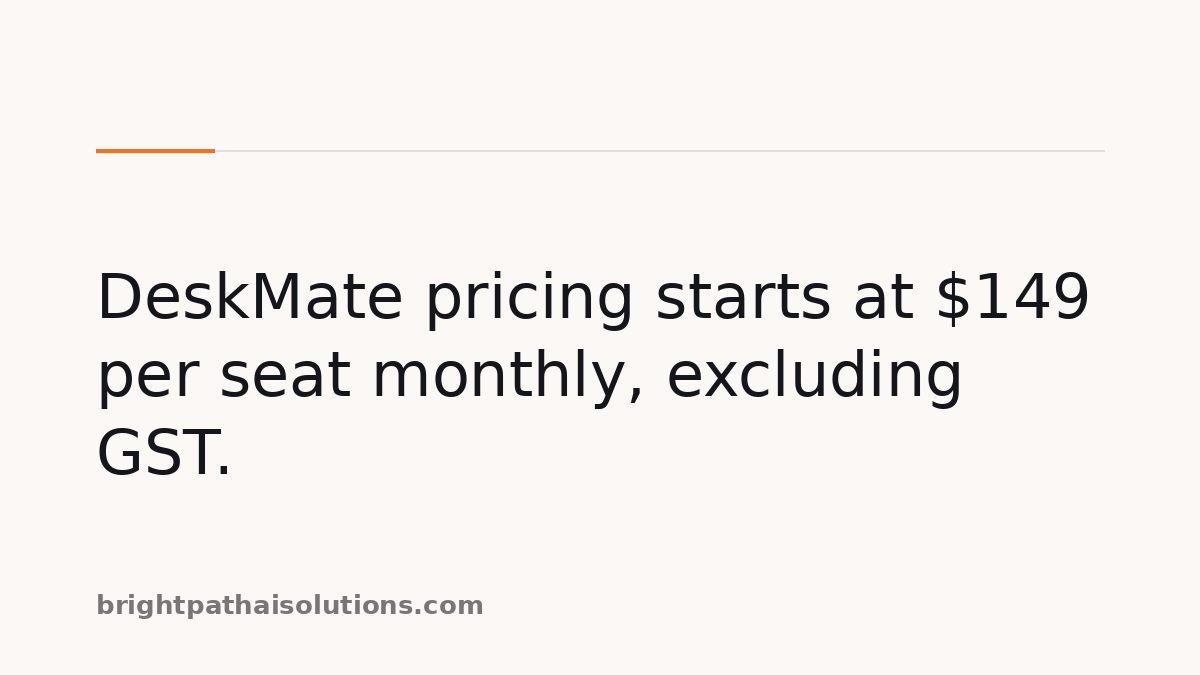
How much does accounting automation cost? For DeskMate, plans cost $149 per seat per month for 2–15 seats, $189 for 16–50 seats and from $229 for 51 or more seats, all excluding GST. Custom workflows cost $100 to $2,500, while a 21-day trial requires no card.
- What is included in the monthly price?
- What additional costs can a practice expect?
- How should practices compare accounting automation cost?
- What repetitive work can DeskMate help with?
What is included in the monthly price?
DeskMate’s recurring subscription includes access priced by seat band, with a minimum of two seats; it is not a single practice-wide fee. Starter covers 2–15 seats, Growth covers 16–50, and Enterprise begins at 51. The monthly figures exclude GST, while annual billing provides two months free per seat.
| Plan | Seats | Monthly price per seat | Included setup and support |
|---|---|---|---|
| Starter | 2–15 | $149 | Self-serve setup, group office hours, email and Teams support |
| Growth | 16–50 | $189 | Guided onboarding and workflow setup over one to two weeks |
| Enterprise | 51 and above | From $229 | White-glove onboarding and solution design over four to six weeks |
Starter includes three connected systems, daily scheduled runs and six months of audit-log retention. Growth includes unlimited connected systems, any schedule and eighteen months of retention. Enterprise pricing is custom, so a larger practice should confirm the final per-seat price and implementation scope before committing.
There is no setup fee and no lock-in on the published plans. Seat counts are trued up at the end of each billing period, so the recurring amount can change when the team size changes. Approvals before a ledger write apply across every plan rather than being an optional higher-tier control.
What additional costs can a practice expect?
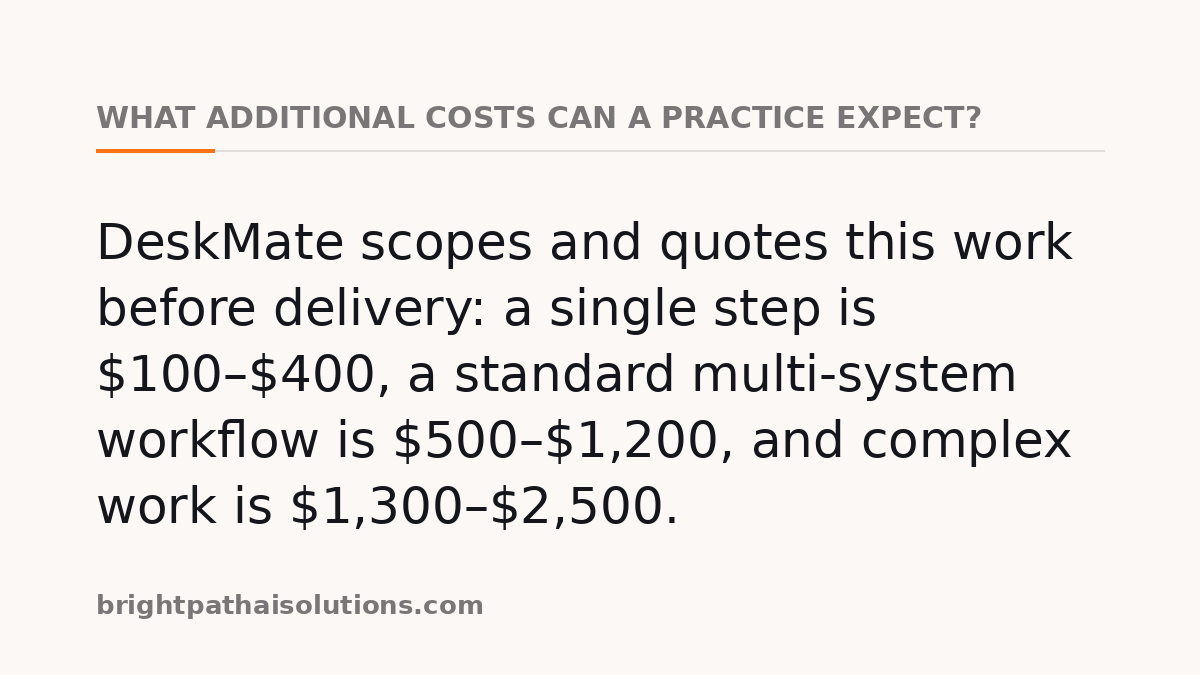
Beyond subscriptions, a practice may pay for a custom workflow when the required process is not already recorded or taught by its team. DeskMate scopes and quotes this work before delivery: a single step is $100–$400, a standard multi-system workflow is $500–$1,200, and complex work is $1,300–$2,500.
Light custom work can cover a single recurring report. Standard work spans two to four systems, while complex work can include branching logic and multiple approval queues. Workflows that the team teaches or records itself are included on every plan, which makes it important to distinguish a configuration task from a separately scoped build.
- Identify the recurring process that needs to run consistently.
- Check whether the team can record or teach the workflow itself.
- Confirm the systems, approvals and delivery requirements.
- Request a fixed scope, price and delivery date for custom work.
The trial lasts twenty-one days, requires no card and does not convert automatically. When it expires, workflows pause; data remains retrievable for thirty days before it is destroyed, including backups. This gives a practice a defined period to test fit without adding a card or accepting an automatic charge.
How should practices compare accounting automation cost?
Practices should compare accounting automation cost against the specific work, systems, controls and support they need, rather than treating a seat price as the whole decision. A useful comparison separates recurring access, onboarding, optional custom work and the internal time needed for review, approvals and change management.
Software cost sits beside the broader cost of administering a practice. CPA Australia research reported a direct regulatory-burden cost of $58,000 per business in New South Wales in 2016, creating about $10.6 billion in direct cost to the state economy.
The research also found that almost 90 per cent of public practitioners considered compliance burden an issue, and less than one quarter said they clearly understood their obligations. CPA Australia reports: “Depending on how the licensing and registration system is set up, a practitioner could need to hold multiple licences and/or registrations to be able to provide one piece of advice.”
A separate CPA Australia podcast transcript on robotic process automation states that “Currently, 80 percent of the CFO role is spending time on transactions.” That is not a promised saving from any particular product, but it is a useful prompt to identify high-volume transactional work before comparing plans.
- Compare the seat count with the people who will actually use the service.
- Separate published recurring fees from one-off workflow development.
- Check whether required ledger, practice management and Microsoft 365 connections are supported.
- Allow for staff review and approval steps when assessing the practical cost.
What repetitive work can DeskMate help with?
DeskMate can help with repetitive operational work around bookkeeping, but it does not turn cost selection into an automatic decision. Its shipped bookkeeping workflows run on Xero and MYOB with Microsoft 365, and every ledger write requires approval on every plan. A practice still chooses its workflow, connections and review process.
For a practice assessing fit, the skill library shows recorded workflows for Australian practices, including what each workflow reads, writes and sends for approval. The pricing page sets out current plan prices, seat ranges and custom-skill costs, helping a buyer compare the recurring subscription with any separately scoped work.
The practical question is not simply whether a tool has a low entry price. It is whether the proposed workflow removes enough repeated handling, uses the practice’s connected systems and retains the review controls the practice expects. Confirming those points before a trial makes the eventual cost easier to assess.
Sources
Every figure, date and obligation above was checked against these documents before publication.
Keeping the record is the hard part.
DeskMate writes who ran a skill, what it touched and who approved it, every time — as a by-product of the work rather than a log someone has to remember.