
Bofu Alternatives
Hubdoc Alternatives for Australian Accounting Practices
Hubdoc alternatives for Australian accounting practices include assessing Xero Smart Document Capture for a Xero-led ledger, using DeskMate for approved workflow around bookkeeping work, or retaining Hubdoc where its document-to-transaction process remains the best fit. The right choice depends on ledger coverage, document intake, review controls and the wider work the practice wants to standardise.

A replacement decision should not begin with extraction alone. Practices need to distinguish between a tool that captures bills and receipts, a ledger feature that keeps document handling within Xero, and a workflow layer that coordinates the work before and after a document reaches the ledger. That distinction affects who checks information, where records are stored, and how much manual follow-up remains.
- Which Hubdoc alternative suits each practice?
- Ranked options for a practice reviewing Hubdoc
- What does DeskMate automate around bookkeeping?
- What does DeskMate cost and what are its limits?
Which Hubdoc alternative suits each practice?
Xero Smart Document Capture suits practices that want to assess a Xero-led approach to document handling. DeskMate suits practices where supplier bills are one trigger in broader, repeatable work across connected systems. Retaining Hubdoc can suit teams whose existing process already uses its document capture and publishing workflow, making migration disruption harder to justify.
Hubdoc is a focused document-capture option. Its published material says users can take mobile photos, forward invoices by email, scan documents or upload files from a desktop. Hubdoc says, "Supplier names, amounts, invoice numbers and due dates are extracted for you" to create transactions in Xero and QuickBooks Online with the source document attached.
| Decision area | Xero Smart Document Capture | DeskMate | Hubdoc |
|---|---|---|---|
| Best fit | Practices assessing a Xero-led option | Practices coordinating repeatable work around bookkeeping | Teams retaining an established capture-to-transaction process |
| Ledger scope stated here | Xero-led option | Shipped bookkeeping workflows run on Xero and MYOB with Microsoft 365 | Creates transactions in Xero and QuickBooks Online |
| Document intake | Confirm current configuration directly with Xero | Workflows can be triggered by requests such as creating bills from PDFs | Mobile photos, email forwarding, scans and desktop uploads |
| Human control | Confirm current review controls directly with Xero | A person approves before a ledger change becomes final | Confirm coding and publishing controls for the practice configuration |
For QuickBooks Online users, Hubdoc states that it imports the chart of accounts and vendors, applies Supplier Rules and auto-matches its transactions with the bank feed. Hubdoc’s QuickBooks Online add-on page describes publishing receipts and bills with the document attached. Those published claims make Hubdoc a sensible retention option where that workflow is already embedded.
Ranked options for a practice reviewing Hubdoc
Rank the options by the work that must change, rather than by a generic feature count. A Xero-led practice may prefer to assess Xero Smart Document Capture first. DeskMate belongs next where the team needs document-related work coordinated across systems, while retaining Hubdoc ranks well when its existing capture and publishing process still matches the practice.
- Assess Xero Smart Document Capture first: this is the natural comparison point for a practice committed to Xero and seeking a ledger-centred document process. Confirm current inclusions, permissions, storage settings and commercial terms directly with Xero before making a migration decision.
- Consider DeskMate for workflow breadth: choose it when the bill or receipt is only the beginning of the task. A plain-language request can become an agreed fixed procedure or a one-off action against connected practice systems, with a person retaining approval.
- Retain Hubdoc where change adds little value: keeping the current tool may be preferable where staff and clients already use its intake methods and the Xero or QuickBooks Online publishing process is settled. Test the firm’s own rules and permissions before changing anything.
This ranking does not treat information absent from a published page as evidence that a product lacks a feature. It instead separates what is stated from what needs supplier confirmation. That approach is especially useful for practices comparing client access, data location, permissions and the detailed configuration of their own Xero, MYOB or QuickBooks Online stack.
What does DeskMate automate around bookkeeping?
DeskMate runs the repetitive gathering, chasing, matching, formatting and filing around bookkeeping work, while people retain tax treatment, exceptions, advice and approvals. Its shipped bookkeeping workflows run on Xero and MYOB with Microsoft 365. A practice can use the DeskMate skill library’s recorded workflows to review what each repeatable skill reads, writes and sends for approval.
DeskMate drafts rather than commits: nothing that changes a client ledger or reaches a client happens without a person saying yes. That can remove manual chasing of client queries, assembling workpapers, formatting outputs and filing documents, without presenting software as a substitute for professional judgement. A workflow is an ordered procedure the firm has agreed to run consistently against its connected systems.
The boundaries are important for an accounting practice. DeskMate’s ATO connection retrieves two report types: the activity statement lodgment report and the client report. It does not lodge anything, and there is no single button that runs a BAS end to end; a person runs the BAS review, client query chase and resulting workpaper in sequence.
What does DeskMate cost and what are its limits?
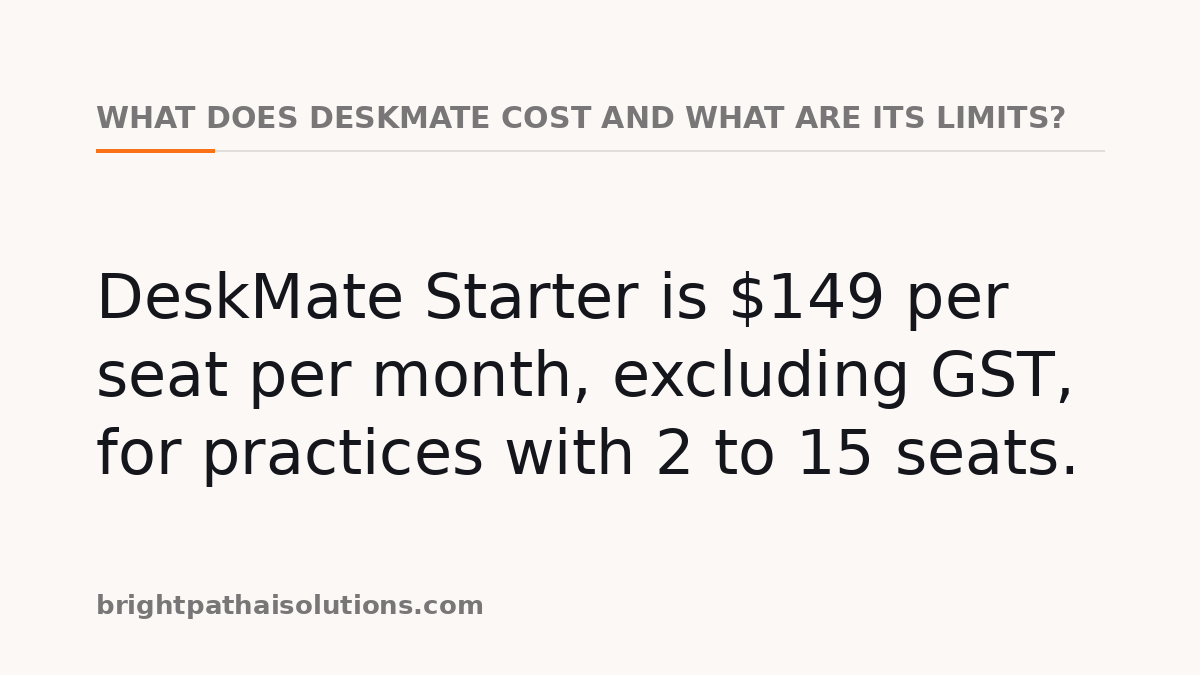
DeskMate Starter is $149 per seat per month, excluding GST, for practices with 2 to 15 seats. Growth covers 16 to 50 seats at $189 per seat per month, while Enterprise begins at 51 seats and starts from $229 per seat per month. The DeskMate pricing page is the place to check current seat ranges, inclusions and custom-workflow charges.
The trial lasts 21 days with no card required; workflows pause when it expires, and data remains retrievable for 30 days before destruction, including backups. DeskMate also keeps workflow run logs for 18 months before purging them, with export available beforehand. Across four public case studies, DeskMate reports nine days to the first live workflow; readers can review the DeskMate case studies before relying on that measure.
For data-handling comparisons, DeskMate is built and hosted in Sydney, processes AI requests on an Australian endpoint, and does not use customer content to train a model. Its Security & Trust page distinguishes controls operating today from those in progress. These details do not remove the practice’s own responsibility to assess client permissions, workflows and professional obligations.
The practical choice is narrow. Assess Xero Smart Document Capture where a Xero-led process is the priority, retain Hubdoc where its established document-to-transaction workflow remains suitable, or choose DeskMate where the practice wants approved, repeatable workflow around the documents as well as the documents themselves.
Sources
Every figure, date and obligation above was checked against these documents before publication.
Keeping the record is the hard part.
DeskMate writes who ran a skill, what it touched and who approved it, every time — as a by-product of the work rather than a log someone has to remember.